
TikTok Transcript
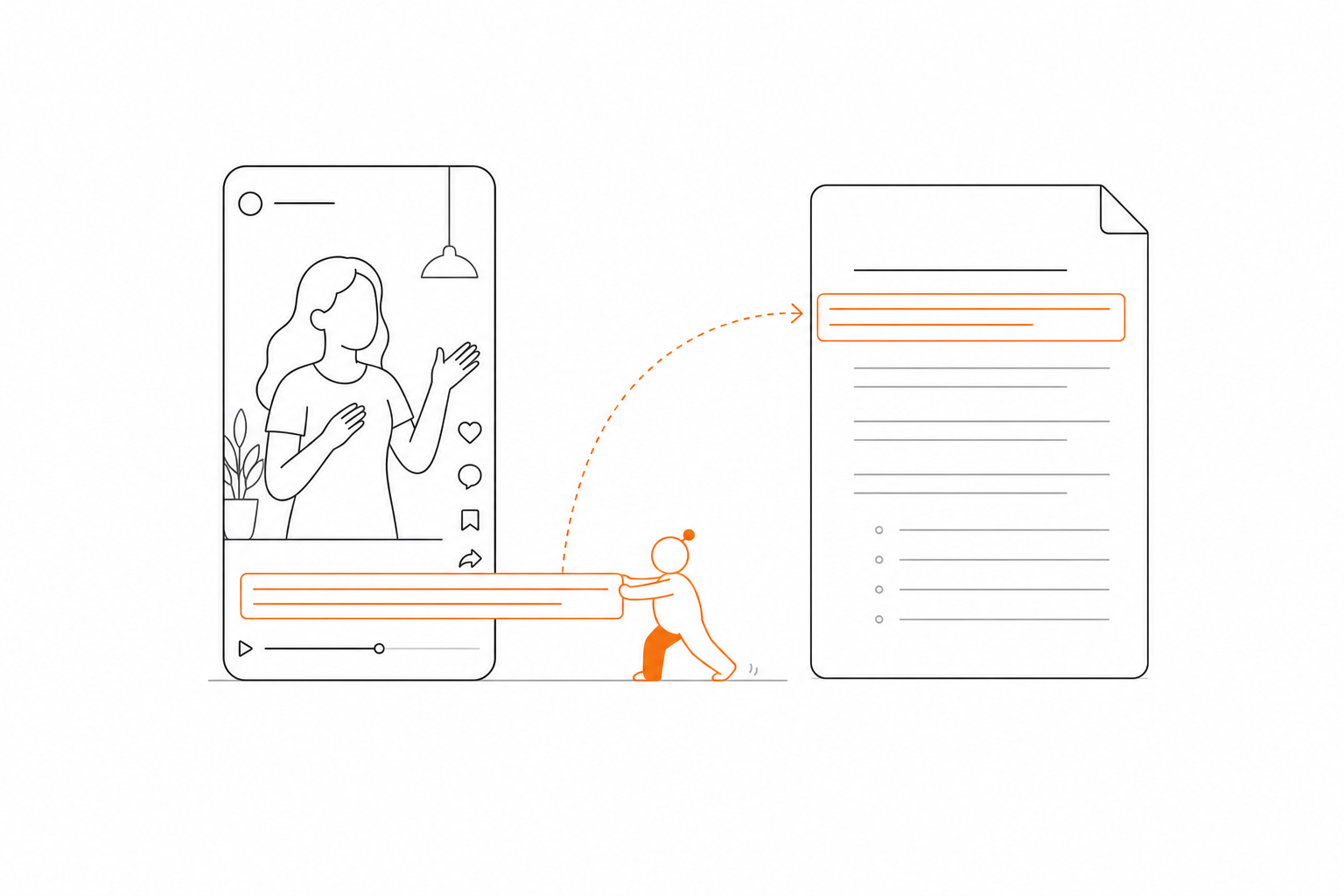
Convert a public TikTok video into readable transcript text, review it beside the source video, then copy or download TXT/MD files.
Start transcriptFree Online
Transform any TikTok video to a clickable, downloadable text file instantly. Fast, accurate, and completely free - no signup required.
Experience the fastest and most accurate way to convert TikTok videos to text. Built for creators, students, and professionals who need reliable transcription.
Paste a public TikTok URL and turn the video into readable text without installing software or opening a separate editor.
Review the transcript beside the video and use timestamps to find the exact line, quote, or moment you need.
Copy the full transcript or download a clean TXT or MD file for notes, content briefs, research, and republishing.
Use the public TikTok transcript tool directly from the homepage. No account is needed for the basic conversion flow.
Join thousands of users who rely on our tool for accurate TikTok transcriptions. Perfect for accessibility, content repurposing, and search-friendly republishing.
Whether you're a student, content creator, or language learner, our TikTok to transcript tool adapts to your specific needs.
Turn useful TikTok videos into text you can search, quote, organize, and compare while studying or researching a topic.
Repurpose TikTok ideas into captions, scripts, newsletters, blog outlines, and short-form content briefs.
Read along with TikTok speech, save unfamiliar phrases, and compare what you hear with the generated transcript.
Join thousands of users who trust our tool for accurate, fast, and free TikTok transcriptions. No registration required - start converting now!
Use TTranscript's focused TikTok tools for transcripts, structured extraction, cover images, and video downloads.
Convert a public TikTok video into readable transcript text, review it beside the source video, then copy or download TXT/MD files.
Start transcript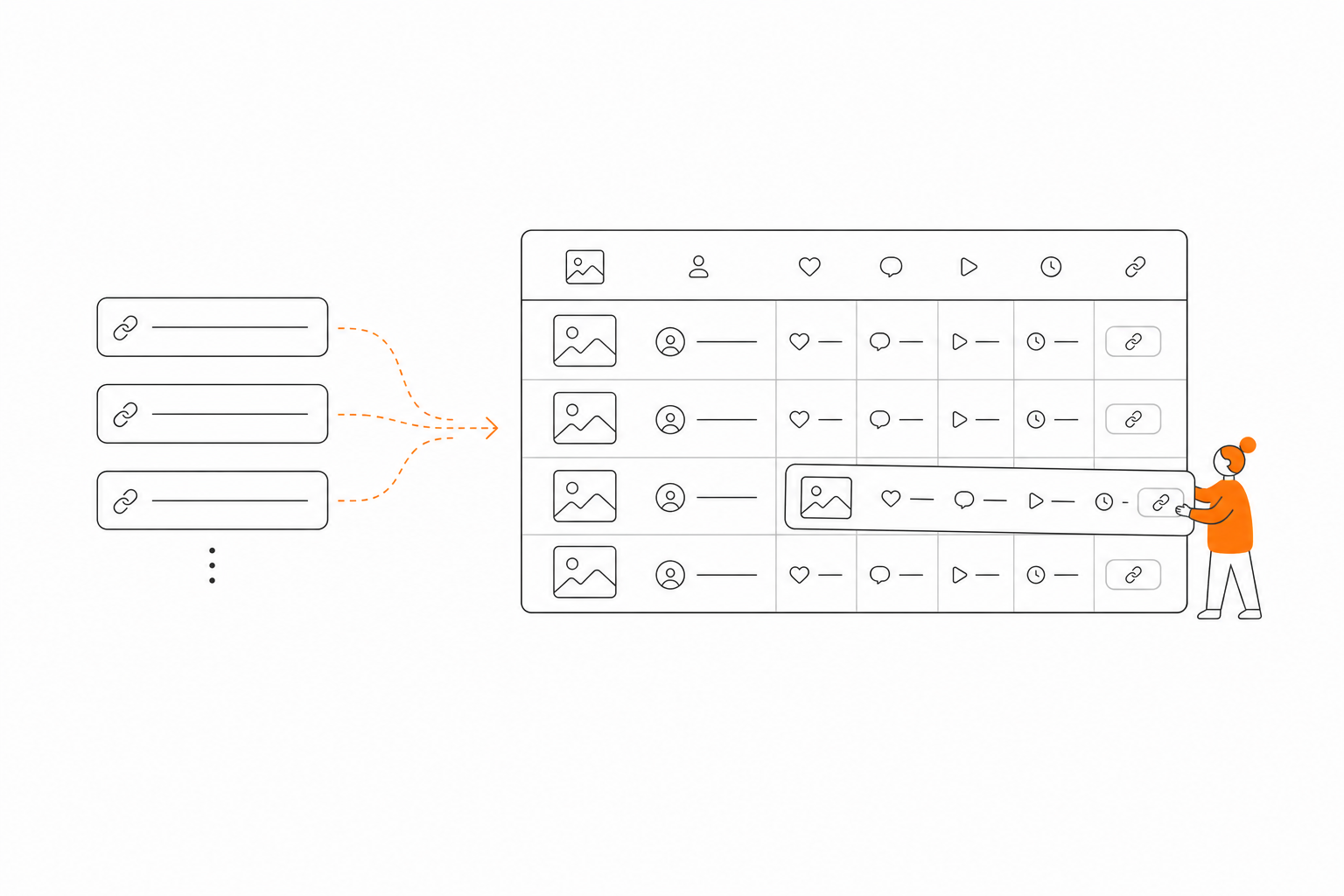
Paste up to ten public TikTok URLs and extract structured rows with covers, authors, stats, durations, source URLs, and media links.
Start extracting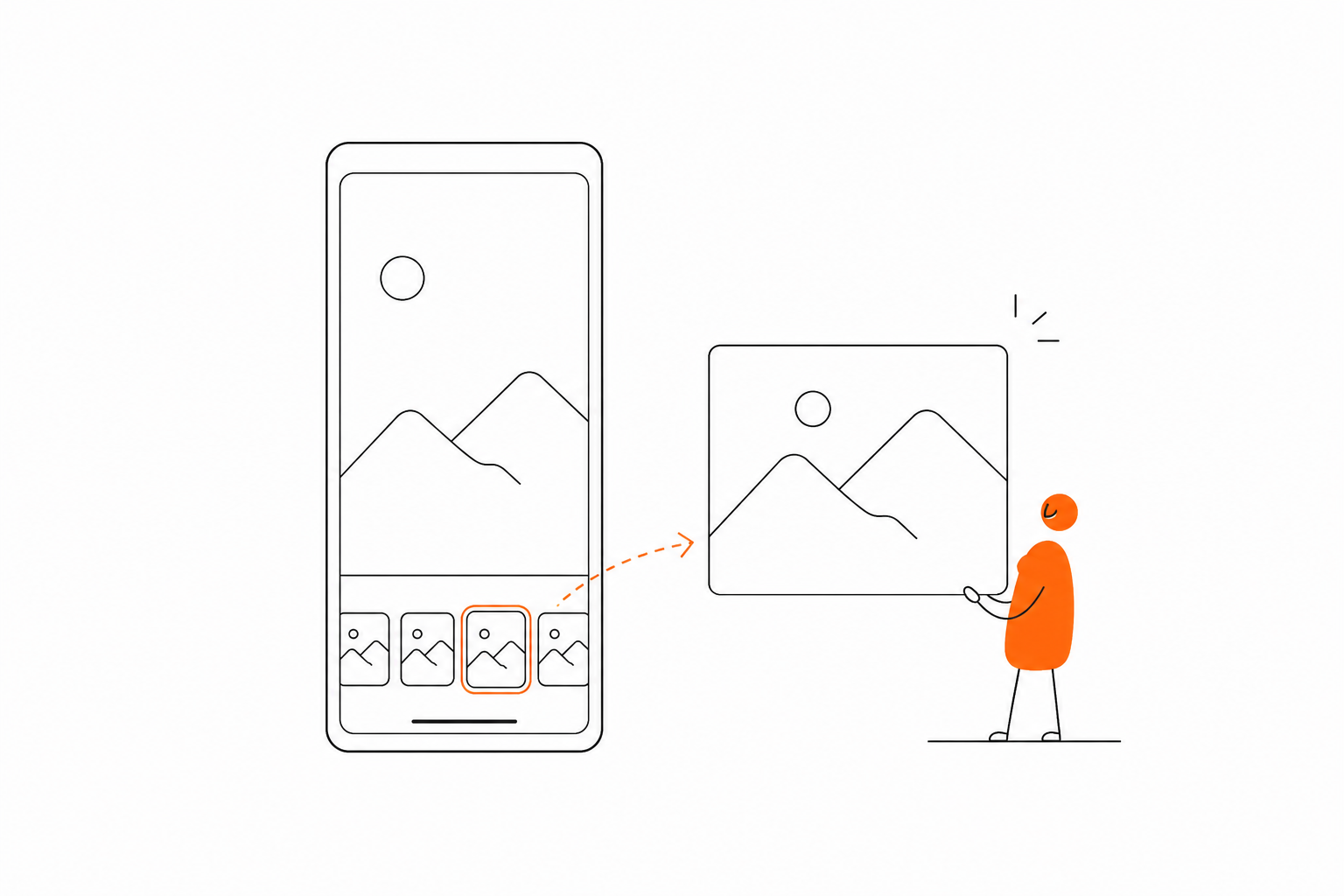
Open a public TikTok link, preview the cover image, keep the original source attached, and save the cover when the download action is available.
Start cover download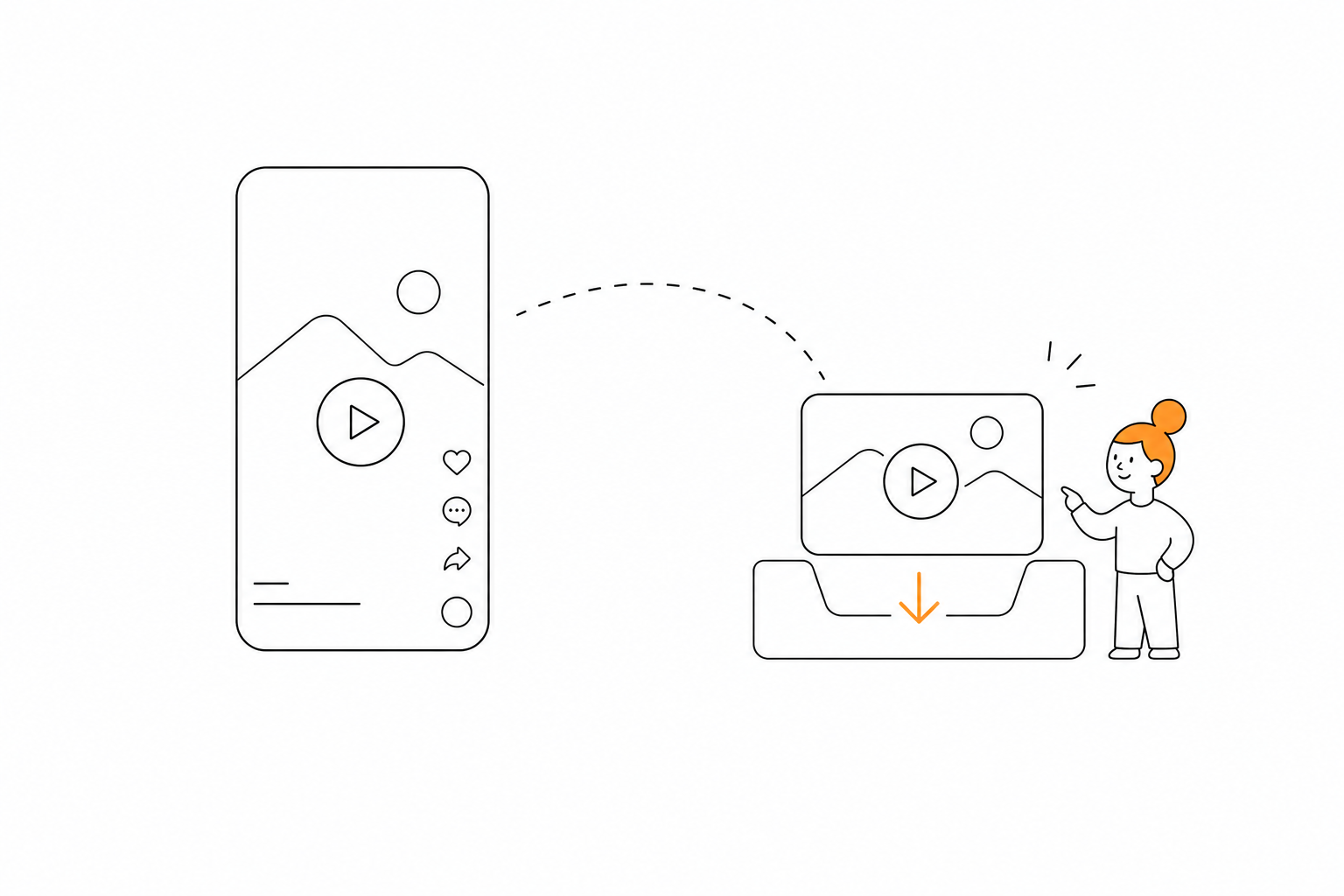
Open a public TikTok link, review the detected video source, and save the video when a downloadable media link is available.
Start video downloadUse more TTranscript tools for TikTok transcripts, batch extraction, cover downloads, and video downloads.
Extract public TikTok metadata, source URLs, creator details, stats, covers, and media links into a table.
Open toolSave available TikTok cover images or preview frames for content archives, reports, and creative references.
View detailsDownload available TikTok video media when a playable source can be detected from a public video link.
View detailsEverything you need to know about our TikTok to transcript tool
TikTok to Transcript is an online tool that turns the spoken or captioned content from a public TikTok video into readable text. It helps you search the video, copy quotes, reuse ideas, and save notes without replaying the same clip again and again.
Copy the public TikTok video link, paste it into the converter, and click Generate Transcript. When the result is ready, you can read the transcript beside the video preview, copy the text, or download it as a TXT or MD file.
Yes. TTranscript works in your browser, so you do not need to install a mobile app, desktop app, or browser extension. Paste the TikTok URL and generate the transcript online.
No. You can use a public TikTok video URL without logging into TikTok or creating a TTranscript account. Private, deleted, or region-blocked videos may not return usable transcript data.
Use public video links from tiktok.com, vm.tiktok.com, or vt.tiktok.com. The tool is designed for single TikTok video URLs, while batch URL extraction belongs in the TikTok Extractor.
Yes. After the transcript is generated, you can copy the plain text or download the transcript as TXT or Markdown. Markdown is useful for notes, documentation, content briefs, and team review.
No. The transcript should keep the video's original language instead of automatically translating it. Translation can be handled as a separate user choice later, which is better for multilingual videos and creator research.
A transcript may fail if the video is private, unavailable, deleted, region restricted, or missing usable speech or caption data. Try the original public TikTok link and make sure the video can be opened in a normal browser tab.
Yes. Creators and marketers can use TikTok transcripts to draft captions, summarize talking points, build content briefs, or turn short videos into longer written content. Always review important quotes before publishing them.
Can't find the answer you're looking for? Our tool is designed to be intuitive and user-friendly. Try it out - most questions are answered through hands-on experience!